
How Much Does an SSD Upgrade Cost, and Is It Worth It, in Herndon, VA?
Short answer: at Fateka Computer Store in Herndon, VA, a mainstream SSD upgrade runs $149 to $199 all-in: the labor and the drive, with drive cloning included at no extra charge, so Windows, your programs, and your files come over exactly as they were. Labor alone is from $79, plus the drive priced by capacity. And is it worth it? For a slow but otherwise healthy computer, an SSD is the single highest-value upgrade you can buy. We quote the exact price at drop-off, before any work starts.
SSD Upgrade Cost by Capacity
The drive is most of the cost, and the drive is priced by capacity at the current market price. These are estimated all-in totals (labor, the drive, and the cloning) at our Herndon shop, confirmed with the exact drive price when we quote:
| Upgrade | Estimated cost at our Herndon shop |
|---|---|
| 500GB SSD (email, web, documents) | Low end of $149 to $199 all-in |
| 1TB SSD (the sweet spot for most people) | $149 to $199 all-in |
| 2TB SSD (big photo, video, or game libraries) | from $79 labor plus the drive; large drives can push the total past the mainstream range |
| Diagnostic (confirm the drive is the real bottleneck) | $50, waived when we do the repair |
Every SSD upgrade includes drive cloning or data transfer at no extra charge. Memory and storage prices move with market supply, so RAM and SSD part costs shift. We confirm the current part price and give you an estimated total before any work. Your exact price is quoted at drop-off, and the $50 diagnostic is waived when we do the repair.
For price context around Herndon: national chains typically bill around $100 per hour plus parts, and an SSD upgrade with cloning is a 2 to 4 hour job, so hourly billing adds up quickly. Across the market, an SSD upgrade with data transfer generally lands between $100 and $275 all-in. Our $149 to $199 all-in price sits inside that range with the cloning already included, not added on top.
Is an SSD Upgrade Worth It?
If your computer still boots from a spinning hard drive, yes, almost without exception. The hard drive is the slowest part of an older computer, and every click waits on it. Swap it for an SSD and boot time drops from around 2 minutes to around 15 seconds, programs open almost instantly, and files load without the lag. We perform this upgrade hundreds of times a year, and paired with a RAM upgrade it can add 2 to 3 years of usable life to a machine that felt finished.
And here is the honest part. An SSD is not worth it when:
- The processor is very old. On a machine roughly 7 or more years old, the drive is not the only bottleneck: a fast SSD attached to a slow CPU still feels slow. That money is usually better spent toward a replacement.
- The motherboard is failing, or several parts are. A new drive in a dying machine is money buried with it. If the board is on its way out, our diagnostic will say so before you spend on parts.
- The storage is soldered. A few very thin laptops and most recent MacBooks solder the storage to the board, so there is nothing to swap.
- The machine no longer gets Windows security updates. Speed will not fix an operating system that is out of support.
On the fence? Our repair vs replace guide walks through the whole decision, and if you bring the machine in we will tell you honestly which side yours falls on.
What Drives the Price of an SSD Upgrade
Two computers can walk in with the same complaint and leave with different totals. What moves the number:
- Capacity. The drive itself is the biggest line item. 500GB costs less than 1TB, and 2TB costs meaningfully more than both.
- Drive type. NVMe and SATA drives carry different prices, and your machine decides which it can take. We check what your system supports before ordering anything.
- The memory market. SSD part prices move with global NAND supply, sometimes week to week. That is why we quote the exact drive at drop-off instead of printing a number that goes stale.
- The health of your old drive. A healthy drive clones cleanly. A failing one may need a clean Windows install with your files moved manually, or full data recovery first if it is in bad shape.
- Desktop or laptop. A desktop drive bay is quick to reach. Some laptops need careful full disassembly, which takes more bench time; labor starts at from $79.
What a Quality SSD Upgrade Includes
An SSD upgrade is not just a part swap. The value is in what happens around it. At Fateka, the price covers the whole job:
- A quality drive we sell in store, NVMe or SATA matched to what your machine supports, not the cheapest no-name part we can find.
- Drive cloning included at no extra charge. Windows, programs, files, settings, desktop icons, bookmarks, and saved passwords come over exactly as they were. You boot up the same computer, just dramatically faster.
- A clean-install fallback. If your old drive is failing or a clone is not possible, we do a fresh Windows install and move your files, photos, and documents manually. Nothing gets left behind.
- Verification before pickup. We boot the machine and confirm everything is where you left it before you take it home.
- Our 90-day repair warranty, with the whole job done in-house in Herndon. Your computer, and your data, never ship away.
Why the Cheapest SSD Quote Can Cost You More
A lower number usually hides one of three things. First, a bargain no-name drive: these slow to a crawl once their cache fills and fail far more often, and when one dies you lose time and possibly data. Second, a quote that leaves the cloning out, so the "cheap" upgrade grows a data transfer fee the moment you ask where your files went. Third, an hourly meter: cloning a full drive takes hours, and at an hourly rate that clock is your problem. A flat, all-in price with a quality drive, the cloning included, and a warranty behind it is the cheaper path in the end.
Can You Do an SSD Upgrade Yourself?
Honestly? On a desktop, swapping or adding a drive is one of the easier DIY jobs if you are comfortable inside a case. The hardware is rarely where DIY upgrades go wrong. The clone is:
- Cloning is the hard part. You need cloning software, a way to connect both drives at once, and a correct copy of the boot partitions. Get it wrong and the new drive will not boot, or Windows boots with your files missing.
- BitLocker can lock you out. If your drive is encrypted and you do not have the recovery key saved, a botched clone can cost you access to your own files.
- Buying the wrong drive is easy. NVMe versus SATA, M.2 length, and 2.5 inch drive thickness all have to match your machine. The wrong drive means a return, or a second purchase.
- Thin laptops are fragile. Snapped clips and torn ribbon cables turn a drive swap into a repair bill.
- A failed clone can mean lost data. If the old drive is already weak, every extra hour of DIY copying is a gamble. Back up first, always.
If it goes well, you save the labor. If it goes wrong, you have spent drive money and still need a pro, sometimes with data on the line. If you start it yourself and hit a wall, bring it in and we will finish it.
Upgrade the Drive, or Replace the Computer?
A slow computer is not necessarily a finished computer. Our honest rule of thumb:
- 2 to 5 years old and slow: upgrade. An SSD at $149 to $199 all-in against the cost of a new machine is the easiest call in this business.
- 5 to 7 years old: weigh it. If the bones are good, an SSD plus a RAM upgrade in the same visit can make it feel new. If it needs other repairs too, the math starts tilting.
- 7 or more years old, failing parts, or out of security updates: put the money toward a new machine. If you go that way, we help you choose the right one and move your files over.
Bring it in and we will tell you honestly which side of that line your computer is on. More on the full decision in our repair vs replace guide.
Why Bring Your Computer to Fateka in Herndon
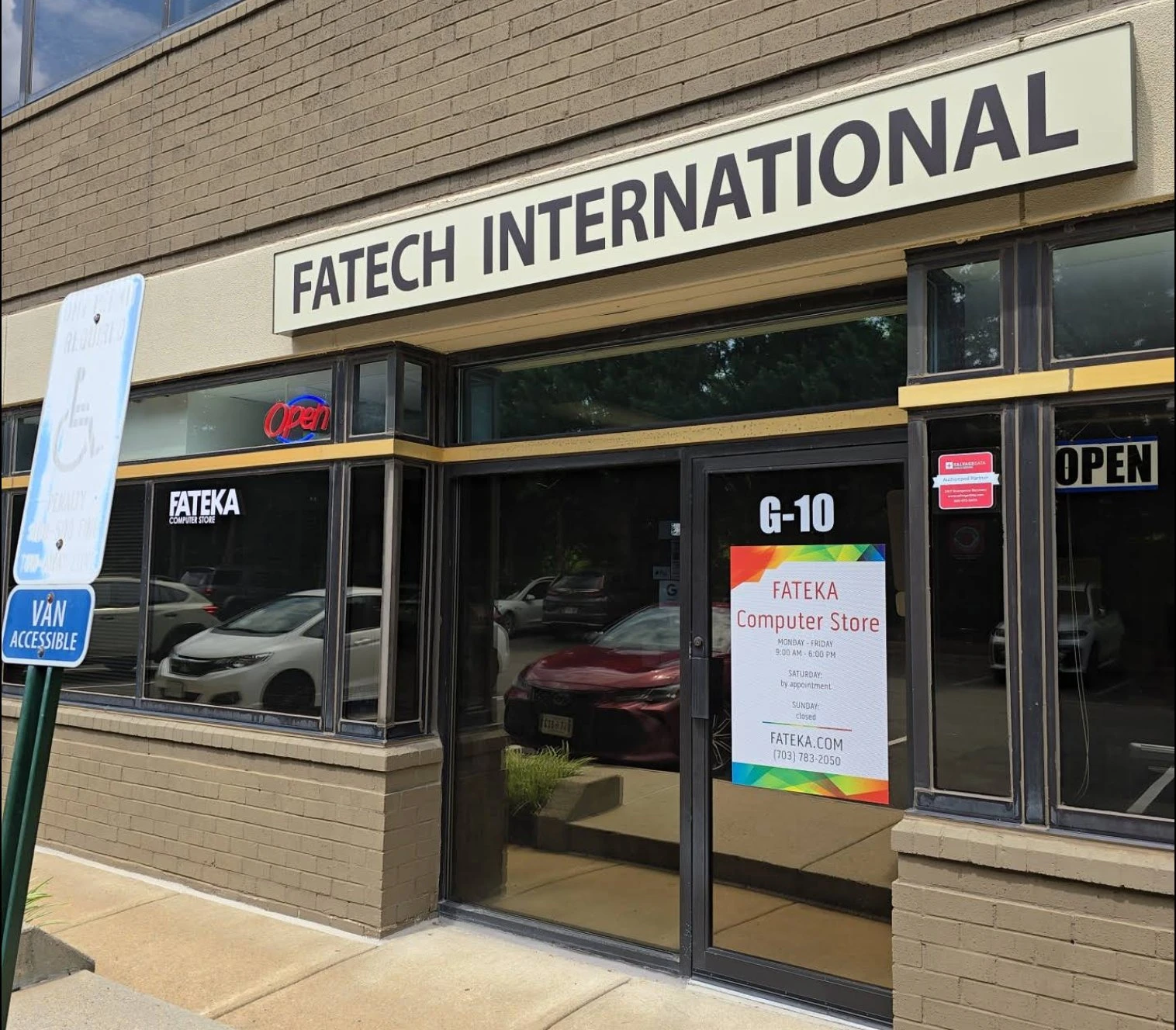
We are a real walk-in computer shop at 585 Grove Street, Suite G-10, Herndon, VA, not a mail-in service or a big-box counter.
- Done in-house, most upgrades same day or next day. Cloning typically takes 2 to 4 hours, and your computer and your data stay in Herndon the whole time.
- We do this constantly. Hundreds of SSD upgrades cross our bench every year, on desktops and laptops of every brand.
- A Lenovo Authorized Service Provider, with 30+ years of combined bench experience.
- Quality drives in stock and a 90-day repair warranty, with a firm quote before we start and no surprise charges.
- 400+ five-star Google reviews from Herndon, Reston, Sterling, Ashburn, Chantilly, Fairfax, and the rest of the Route 7 corridor.
Slow computer? Get a firm SSD upgrade quote today.
Call (703) 783-2050 or message us with your computer's make and model, or just walk in. Mon-Fri 9 to 6, Sat by appointment.
Fateka Computer Store · 585 Grove Street, Suite G-10 · Herndon, VA 20170
Frequently Asked Questions
How much does an SSD upgrade cost in Herndon?
At Fateka in Herndon, a mainstream SSD upgrade runs $149 to $199 all-in: the labor and the drive, with drive cloning included at no extra charge. Labor alone is from $79, and the drive is priced by capacity. Memory and storage prices move with market supply, so RAM and SSD part costs shift. We confirm the current part price and give you an estimated total before any work. We give a firm quote before any work starts.
Is an SSD upgrade worth it?
For a slow but otherwise healthy computer, yes: it is the single highest-value upgrade you can buy. Replacing a spinning hard drive with an SSD cuts boot time from minutes to seconds and makes programs open almost instantly, for a fraction of the cost of a new machine. It is not worth it when the processor is very old (roughly 7 or more years), the motherboard is failing, the machine no longer gets Windows security updates, or the storage is soldered to the board. Bring it in and we will tell you honestly which case yours is.
Will I lose my files or programs during an SSD upgrade?
No. We clone your existing drive to the new SSD so everything transfers exactly as it was, including Windows, programs, files, settings, bookmarks, and saved passwords. You boot up and everything is there, just faster. If your old drive is too damaged to clone, we do a clean Windows install and transfer your files manually, and we offer full data recovery for failing drives.
How long does an SSD upgrade take?
Most upgrades are completed the same day or the next day. The drive swap itself is quick; the cloning is what takes time, typically 2 to 4 hours depending on how much data is on your old drive. We confirm the timeline when you drop the computer off.
Can my laptop get an SSD upgrade?
Most laptops can, and we handle the disassembly, installation, drive cloning, and reassembly. The exceptions are a few very thin models and most recent MacBooks, where the storage is soldered to the board and cannot be swapped. Bring yours in and we will tell you exactly what can be upgraded before we touch anything.
What size SSD should I get: 500GB, 1TB, or 2TB?
For email, web, and documents, 500GB is plenty. For most people, 1TB is the sweet spot: years of photos, documents, and programs without babysitting disk space. Go 2TB if you keep large photo, video, or game libraries. Mainstream capacities land in our $149 to $199 all-in range; larger drives cost more, and we quote the exact drive at drop-off.
Do you warranty SSD upgrades, and what drives do you install?
We install quality drives we sell in store, NVMe or SATA to match what your machine supports, never a bargain no-name part. The work is backed by our 90-day repair warranty and done in-house at our Herndon shop; your computer never ships away.
Where is Fateka located?
585 Grove Street, Suite G-10, Herndon, VA 20170. Walk in Monday to Friday 9am to 6pm, Saturday by appointment. Call (703) 783-2050.
Related
Service
Computer Upgrades in Herndon
SSD, RAM, and GPU upgrades with drive cloning included, parts in stock at our Herndon store.
Cost Guide
Computer Repair Cost in Herndon
What common repairs cost at our Herndon shop, with real numbers and a $50 diagnostic that is waived when we do the repair.
Decision Guide
Repair vs Replace
When a repair or upgrade is worth it and when a new machine is the smarter buy.
Last updated: July 13, 2026. Prices are typical ranges and are confirmed with a firm quote at drop-off. Browse all our guides.